1. Is the ED-200 an autofocus camera?No. The ED-200 uses interchangeable manual-focus lenses rather than continuous autofocus.
This design is intentional. During procedures, hands and instruments may frequently move through the camera's field of view. Continuous autofocus could attempt to focus on these objects and cause unwanted focus hunting. Manual focus allows the user to set the focus for the required working distance and maintain a stable image.
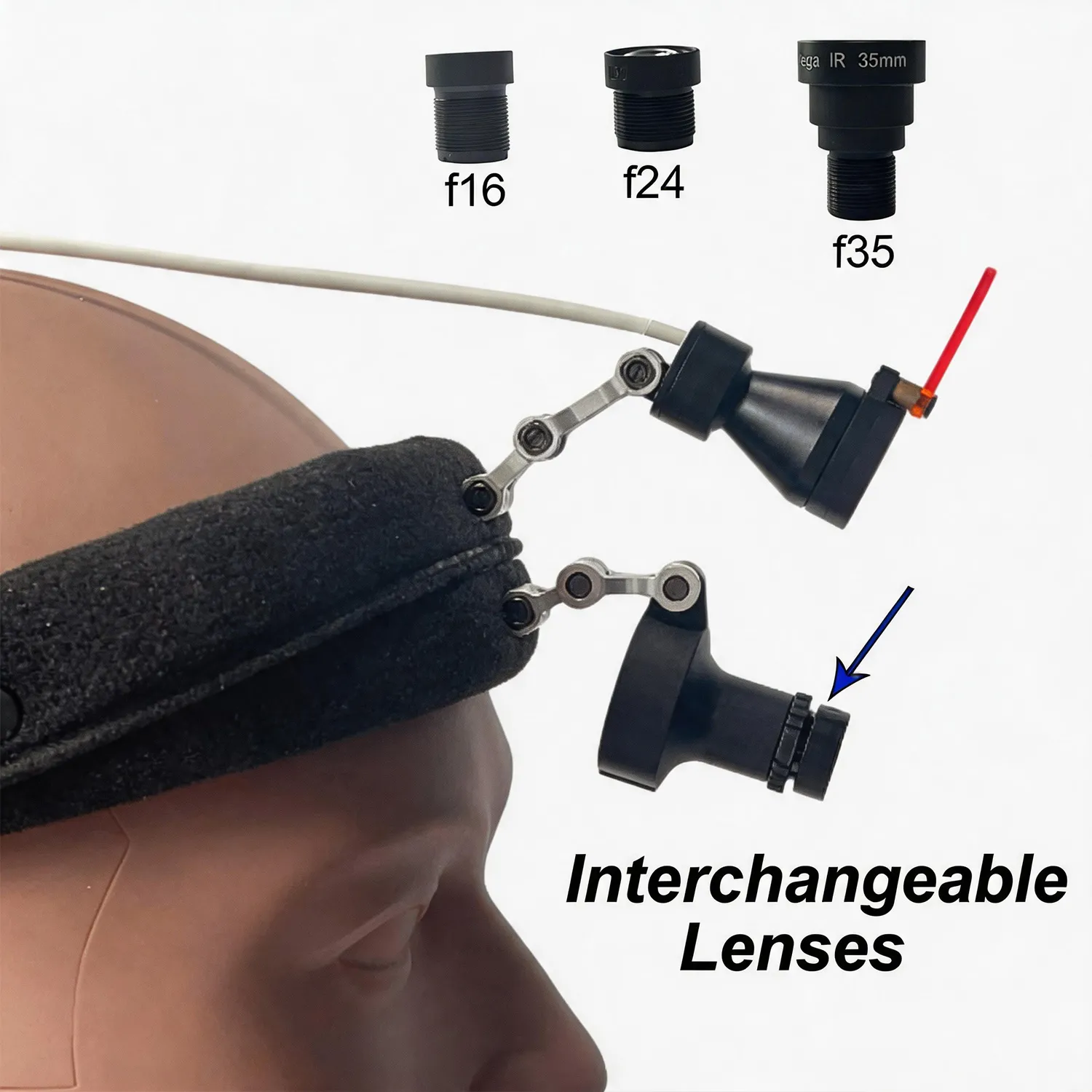
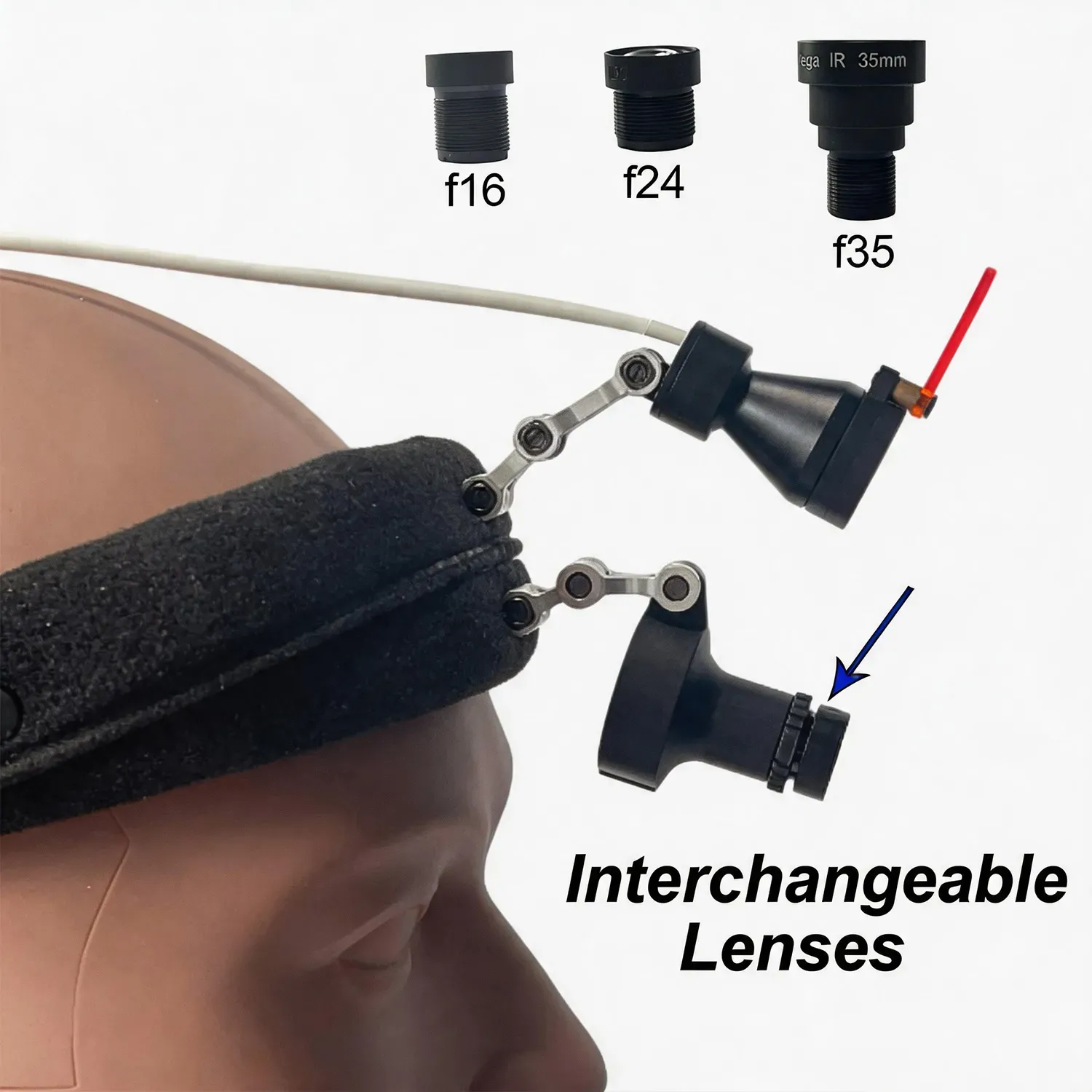
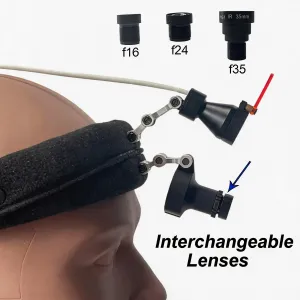
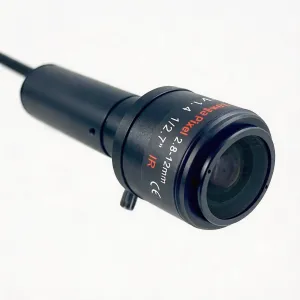
2. Can the lens be changed?Yes. The ED-200 is designed with interchangeable manual-focus lenses.
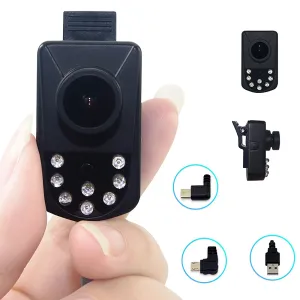
Standard lens options include F16 mm, F24 mm and F35 mm, providing different magnification and field-of-view characteristics for different working distances and applications.
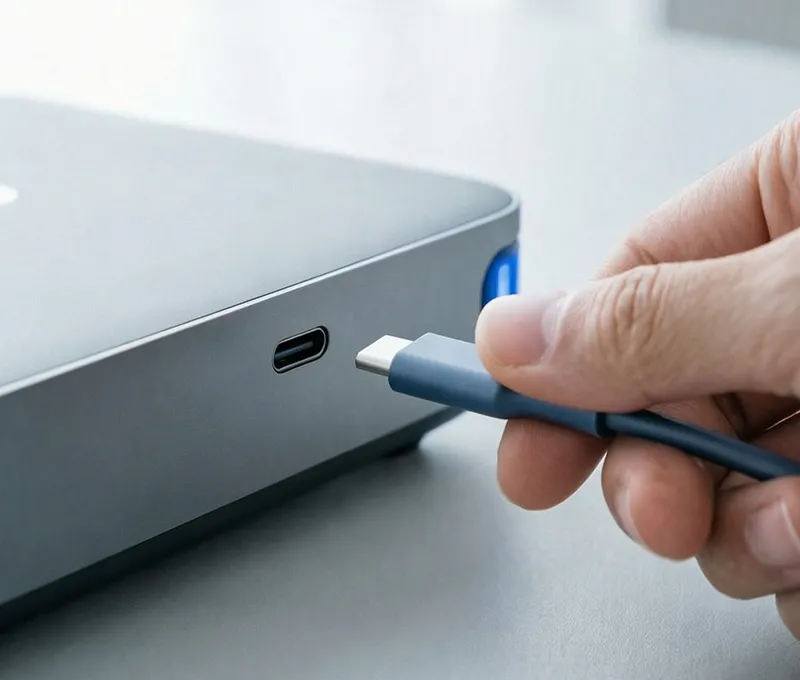
3. Does the ED-200 record video by itself?No. The ED-200 is a USB UVC camera and does not have built-in storage or standalone recording capability.
The camera must be connected to a compatible computer, tablet or other host device for video viewing, recording or streaming.
4. Can I record 4K video?Yes. The ED-200 supports 4K video output when used with a compatible host device and software that supports the selected resolution.
Actual recording resolution may depend on the computer, USB connection and recording software.
5. Does it work with OBS Studio?Yes. The ED-200 can be used with OBS Studio for video recording, live streaming and demonstrations.
It can also work with other software that supports standard USB UVC cameras.
6. What operating systems are supported?The ED-200 is designed to work with standard UVC-compatible systems and applications.
It can be used with compatible Windows, macOS, Linux and Android devices. Actual compatibility depends on the host device, USB interface and software.
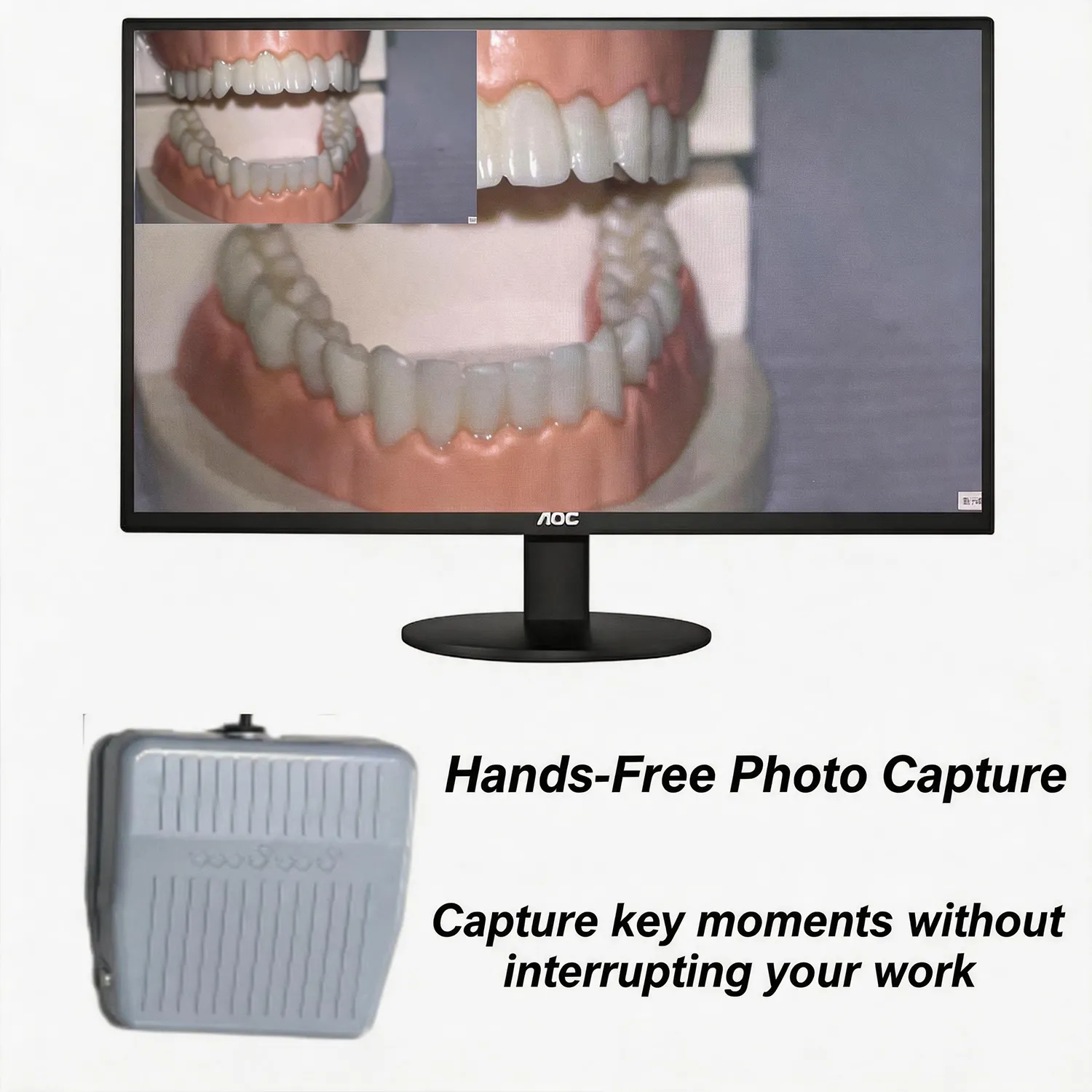
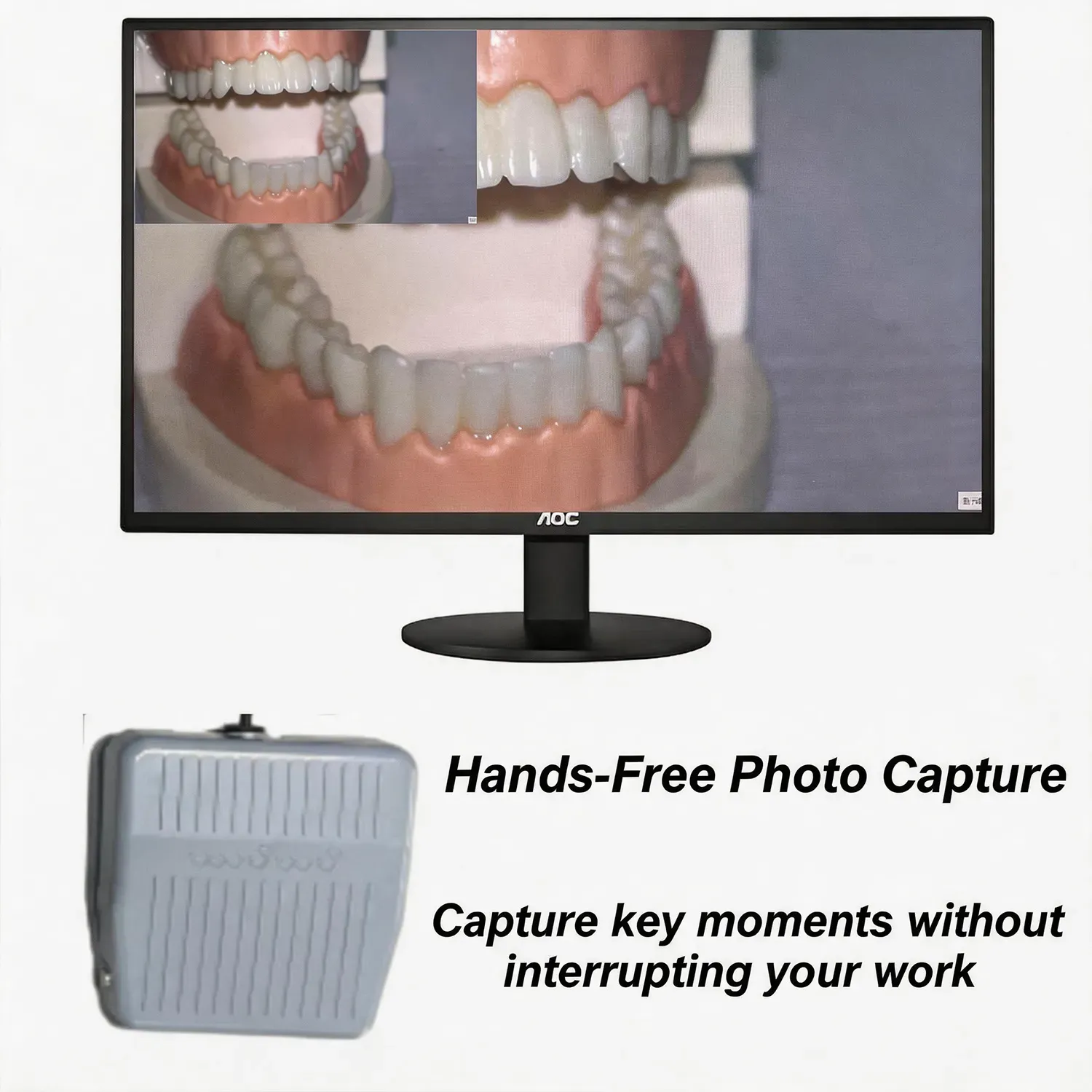
7. Can I capture still images with a foot pedal?Yes. An optional foot pedal can be used for hands-free still-image capture when supported by the software being used.
This allows the operator to capture important images without removing their hands from the procedure.
8. How do I choose between the F16 mm, F24 mm and F35 mm lenses?The lens should be selected according to the required working distance, field of view and magnification.
F16 mm: approximately 4× magnification F24 mm: approximately 6× magnification F35 mm: approximately 8× magnification
A shorter focal length generally provides a wider view, while a longer focal length provides greater magnification and a narrower field of view.
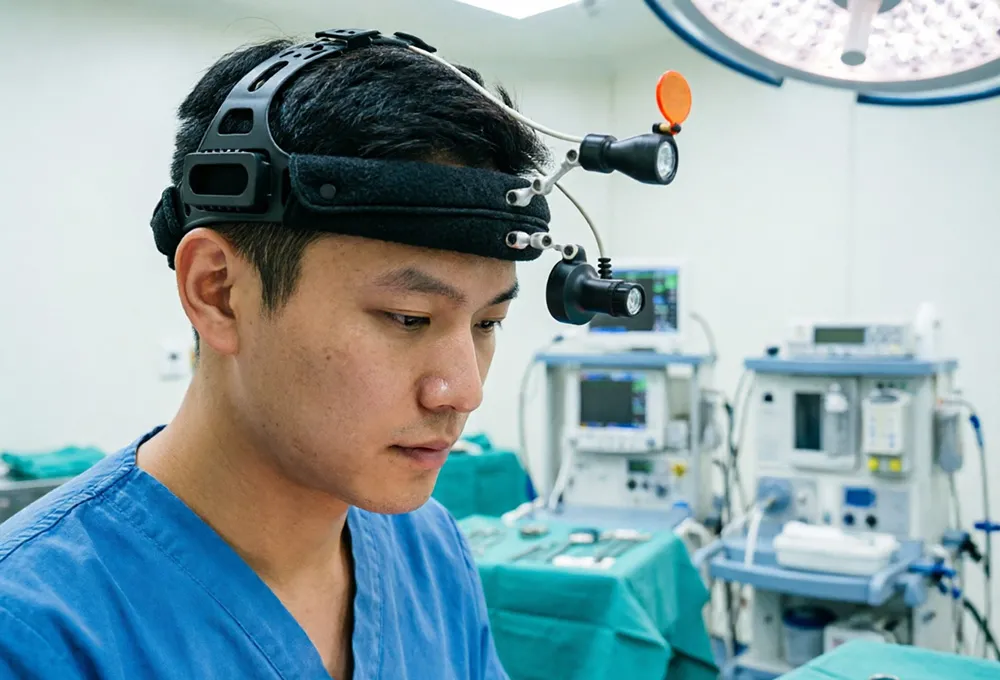
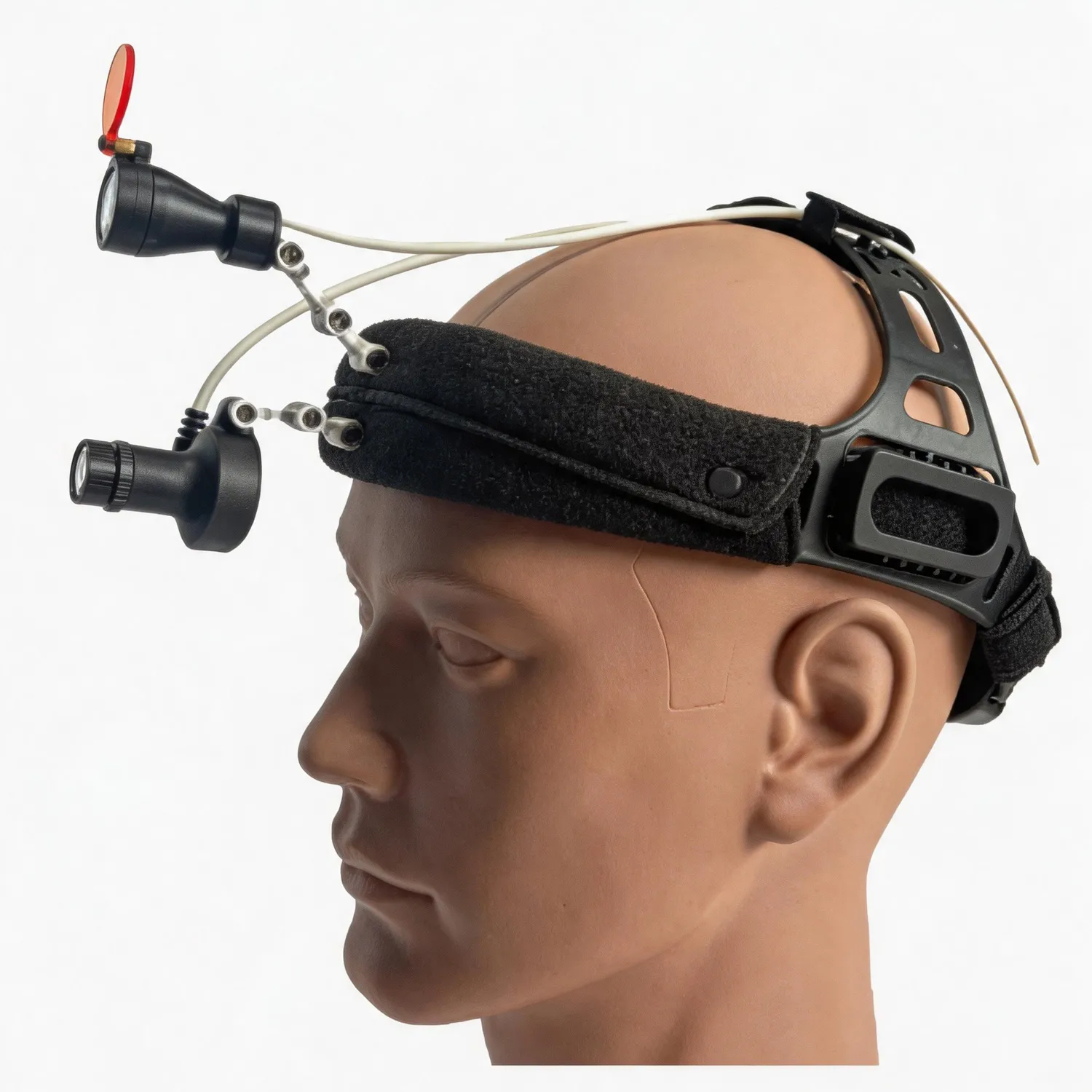
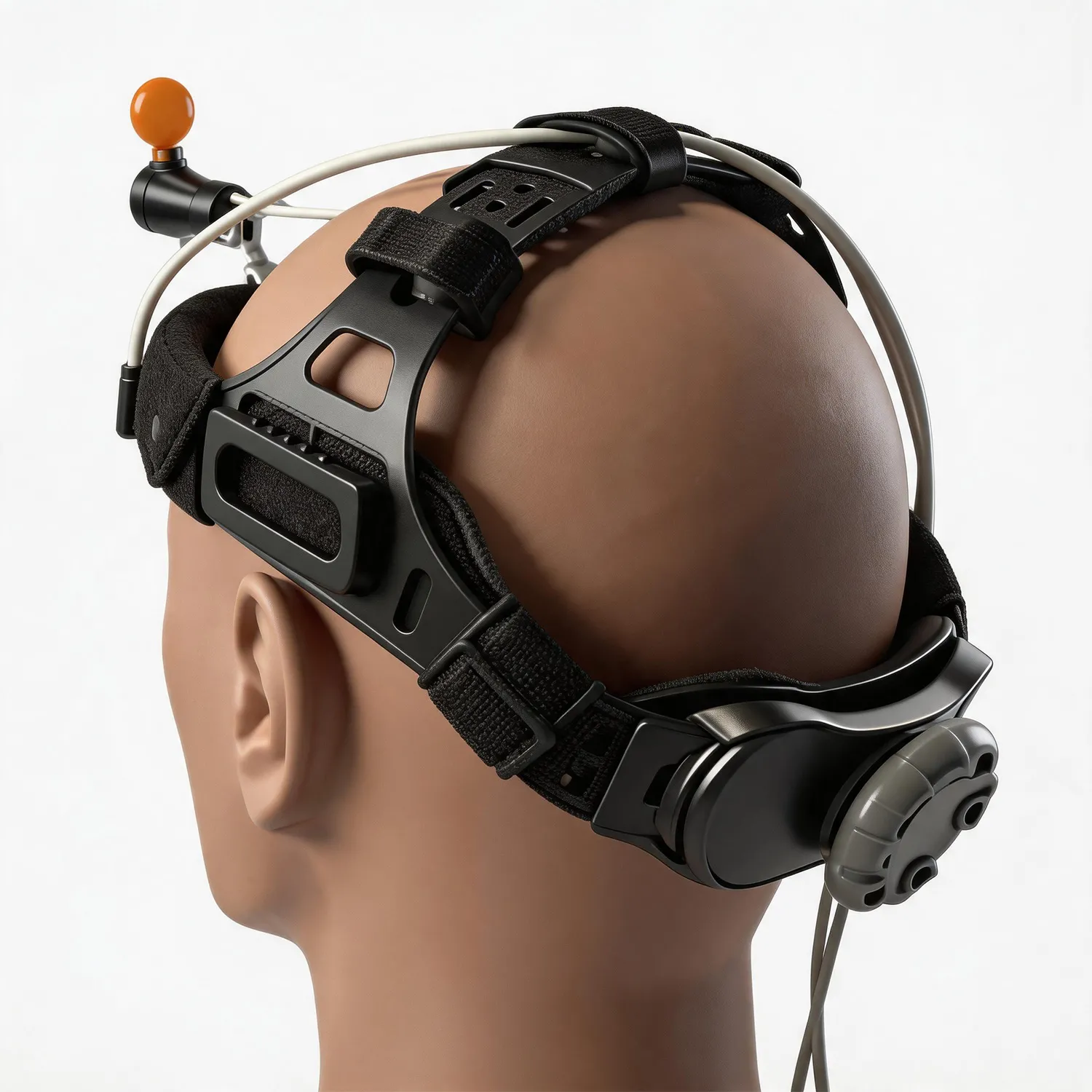
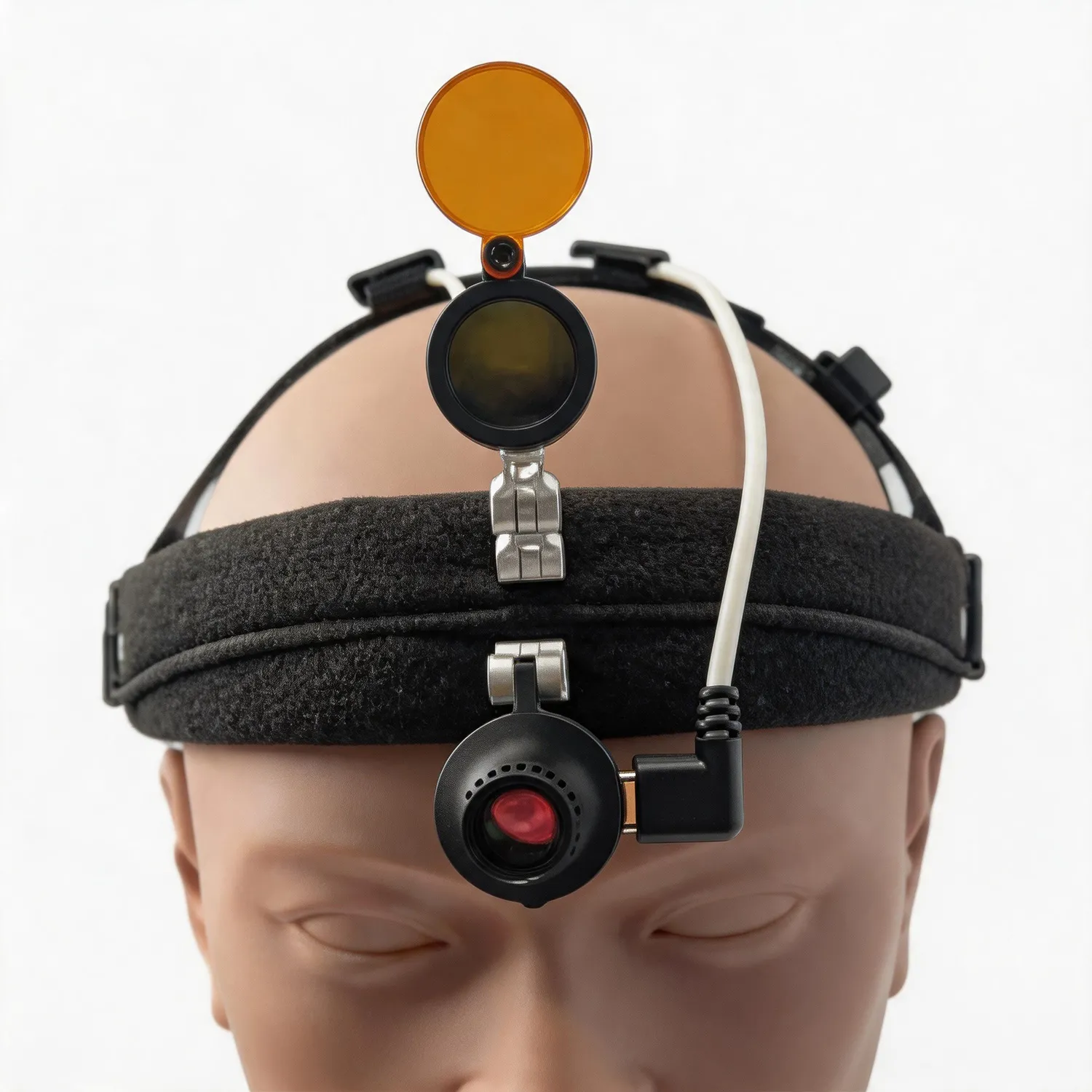
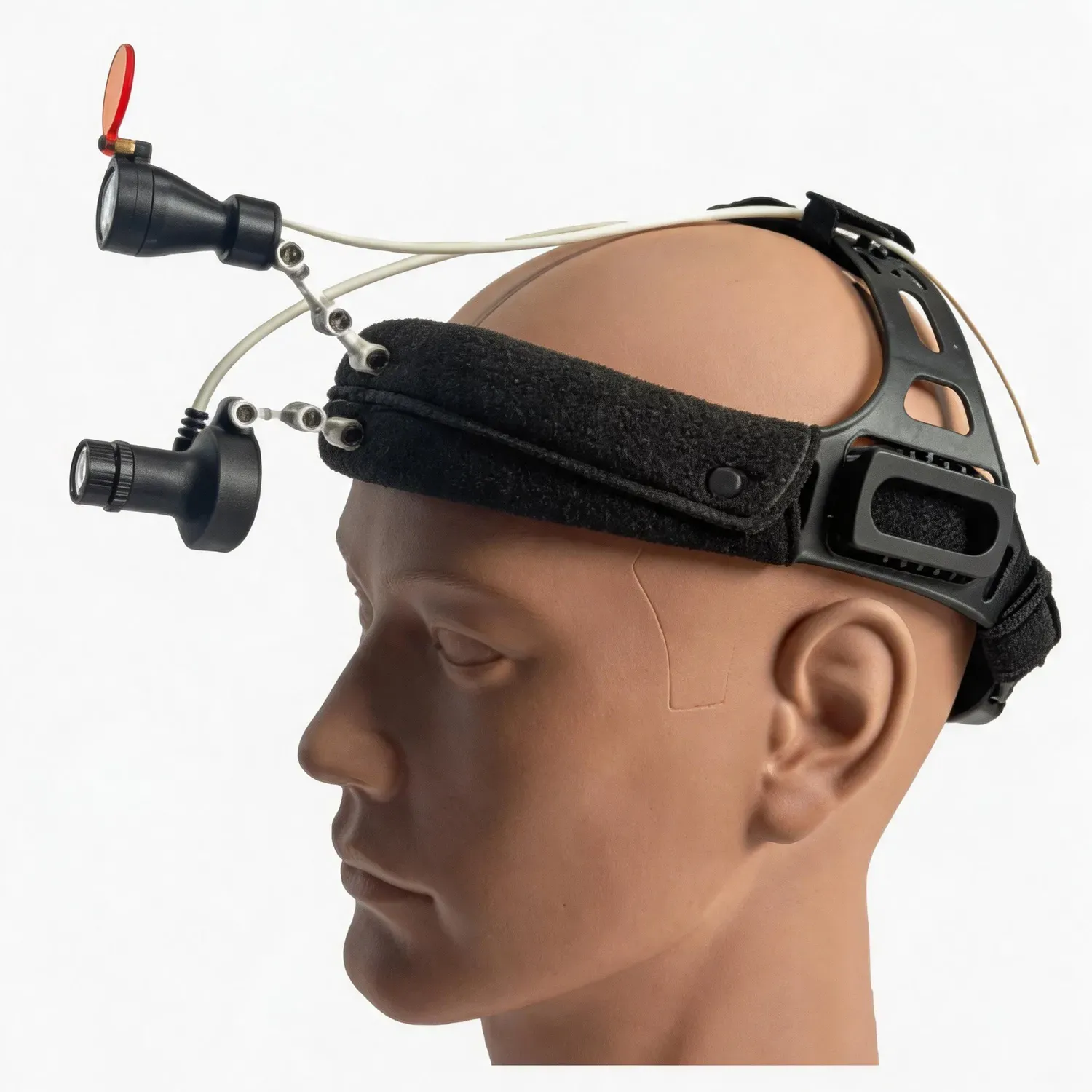
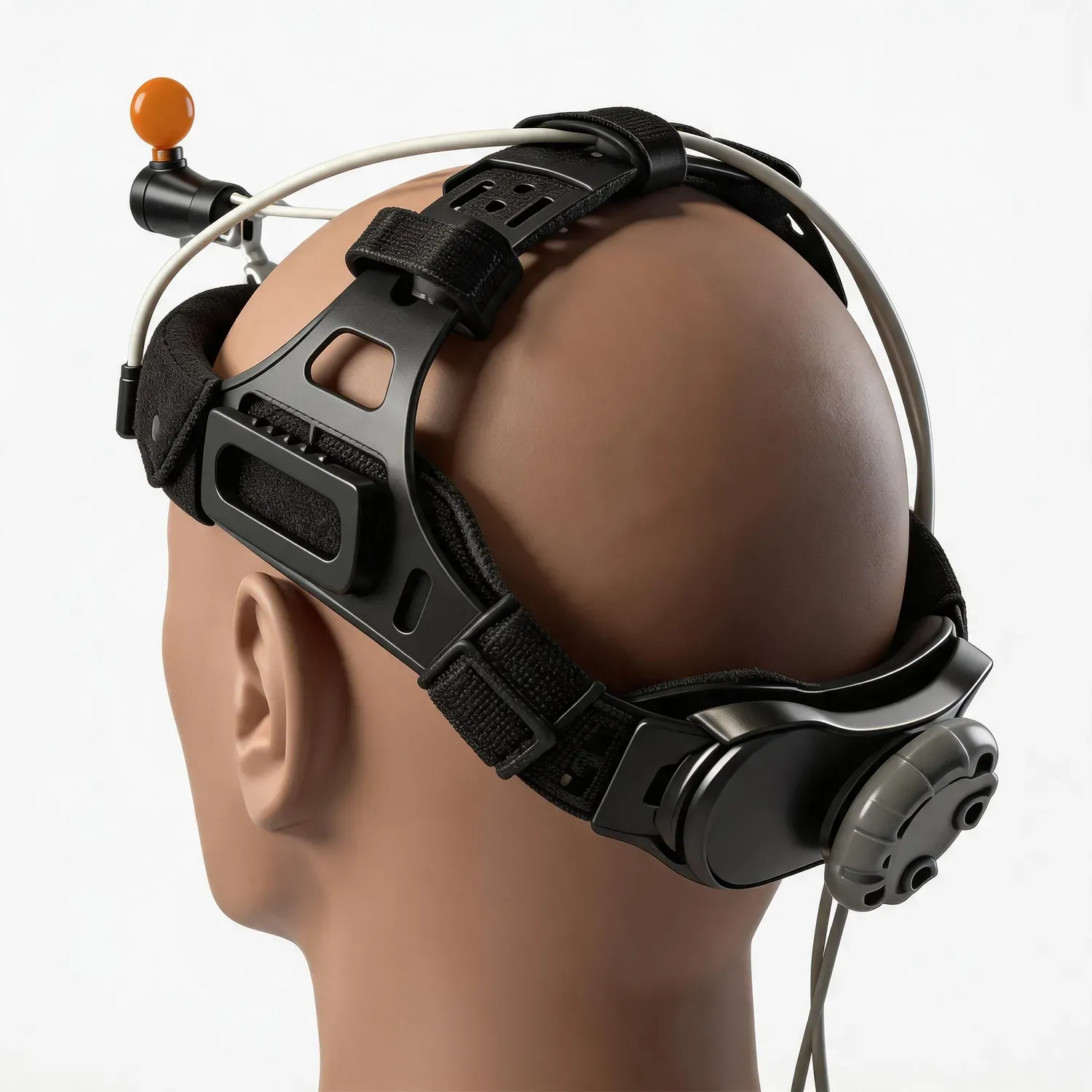
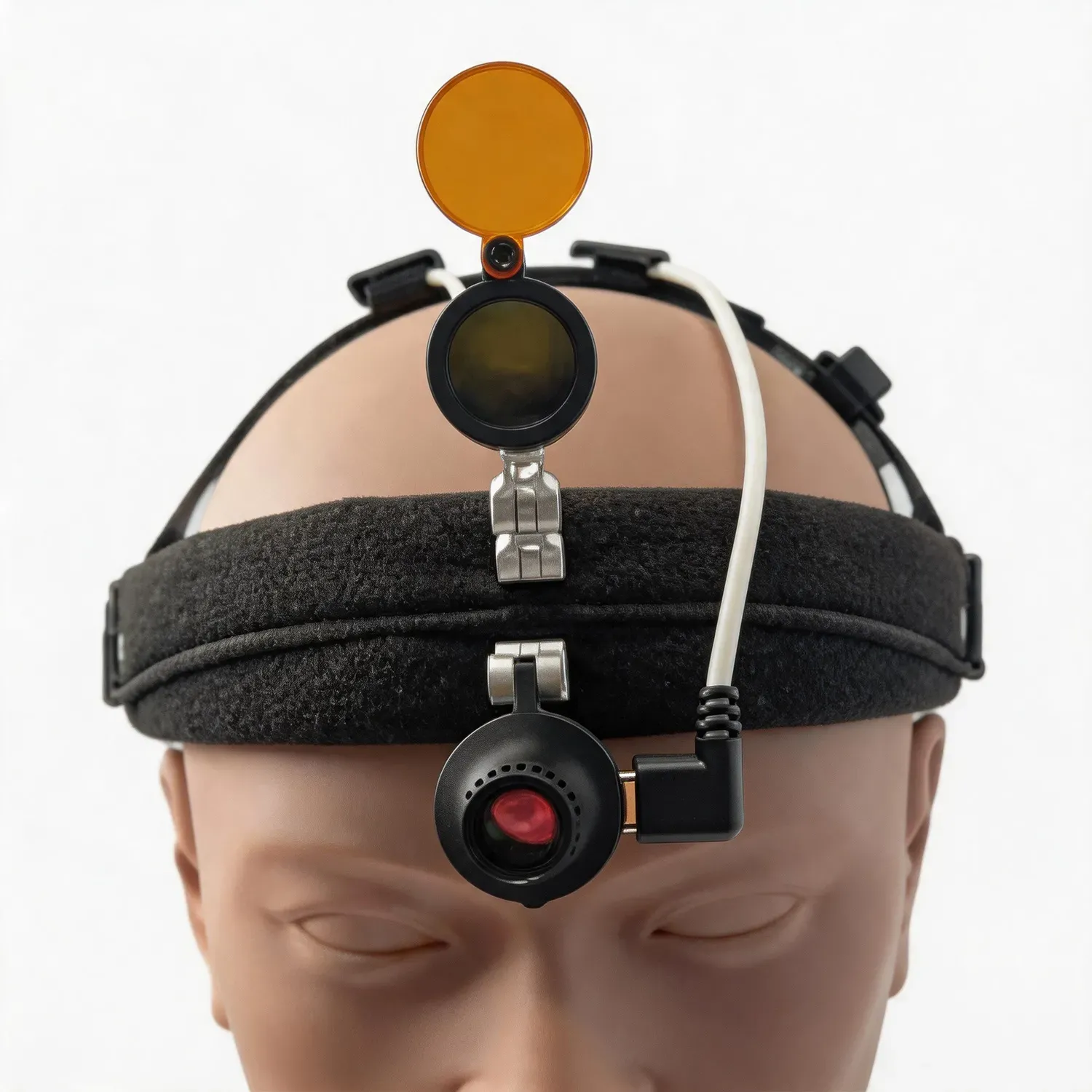
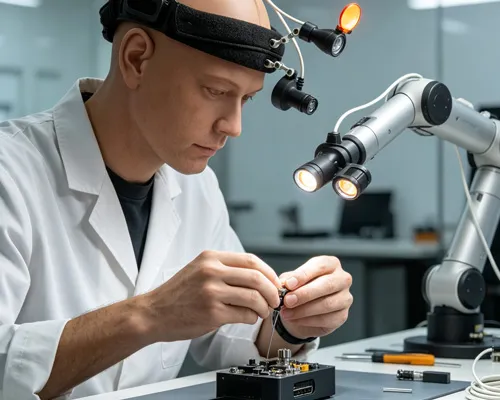
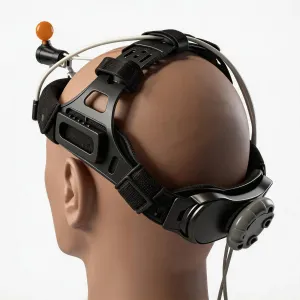
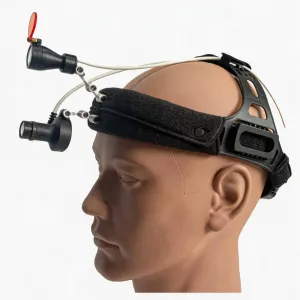
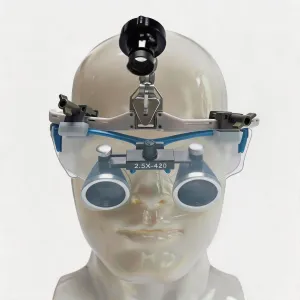
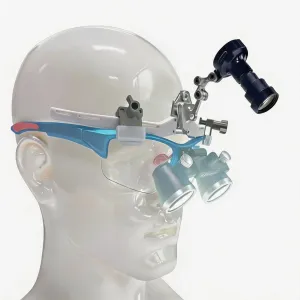
9. Can the camera be removed from the head-mounted bracket?Yes. The ED-200 uses a modular mounting structure.
The camera and LED light can be removed from their respective friction-hinge connections. The shared base plate is also attached to the head-mounted bracket with screws and can be removed.
This allows users to explore alternative mounting configurations, including certain fixed-installation applications.
10. Can I mount the camera on dental equipment or a fixed workstation?The modular mounting structure allows the camera assembly to be removed from the standard head-mounted bracket and adapted for certain fixed mounting applications.
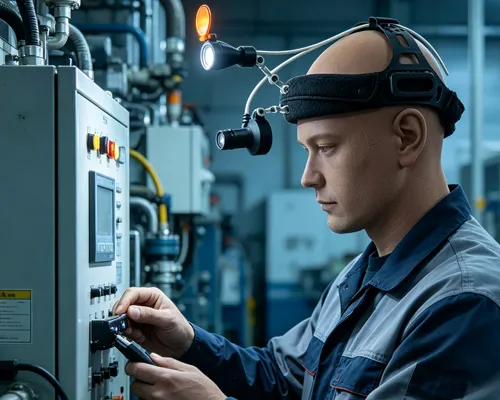
For example, users may wish to mount the camera near a dental chair, inspection station or other professional workstation. The exact adapter or mounting hardware will depend on the equipment and installation requirements.
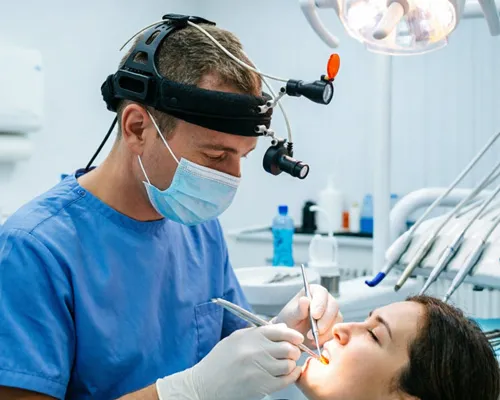
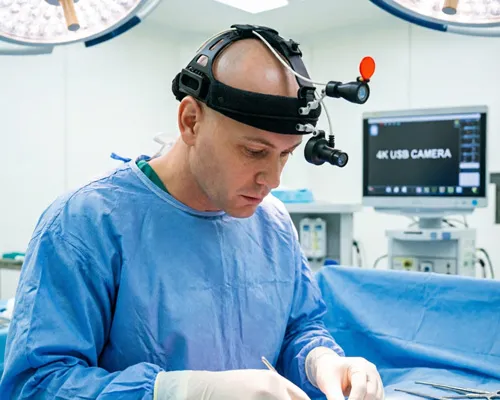
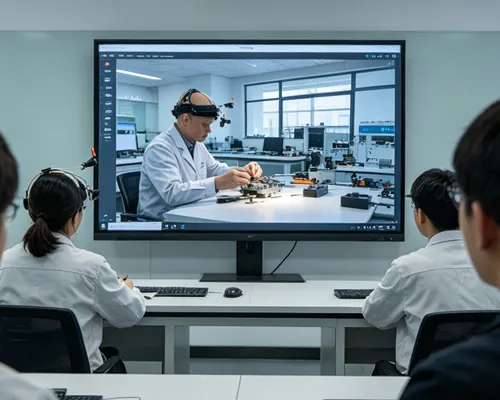
11. Can I use the ED-200 for dental and medical training?Yes. The ED-200 is well suited to hands-free demonstrations, procedural training, clinical education and professional documentation.
Its first-person perspective allows students and viewers to see the working area from a viewpoint close to that of the operator.
12. Is the LED light adjustable?Yes. The integrated LED light provides additional illumination for close-up work and can be adjusted according to the working environment.
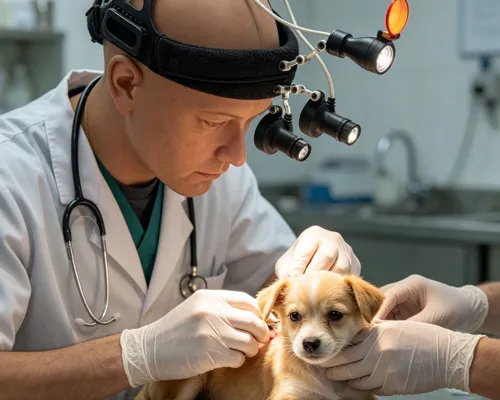
13. Can I use the camera for veterinary procedures?Yes. The ED-200 can be used for veterinary examinations, procedures, demonstrations and training where a hands-free first-person perspective is useful.
14. What software can I use with the ED-200?Because the ED-200 uses standard USB UVC video output, it can work with many applications that support UVC cameras.
Examples include OBS Studio, Zoom, Microsoft Teams and other compatible video recording, streaming and conferencing software.
15. Do you offer OEM and ODM customization?Yes. We provide OEM and ODM services for professional customers, distributors and project-based applications.
Available customization may include product appearance, logo, packaging, mounting solutions and other project-specific requirements.
Please contact us to discuss your application and customization requirements.